
01
Record
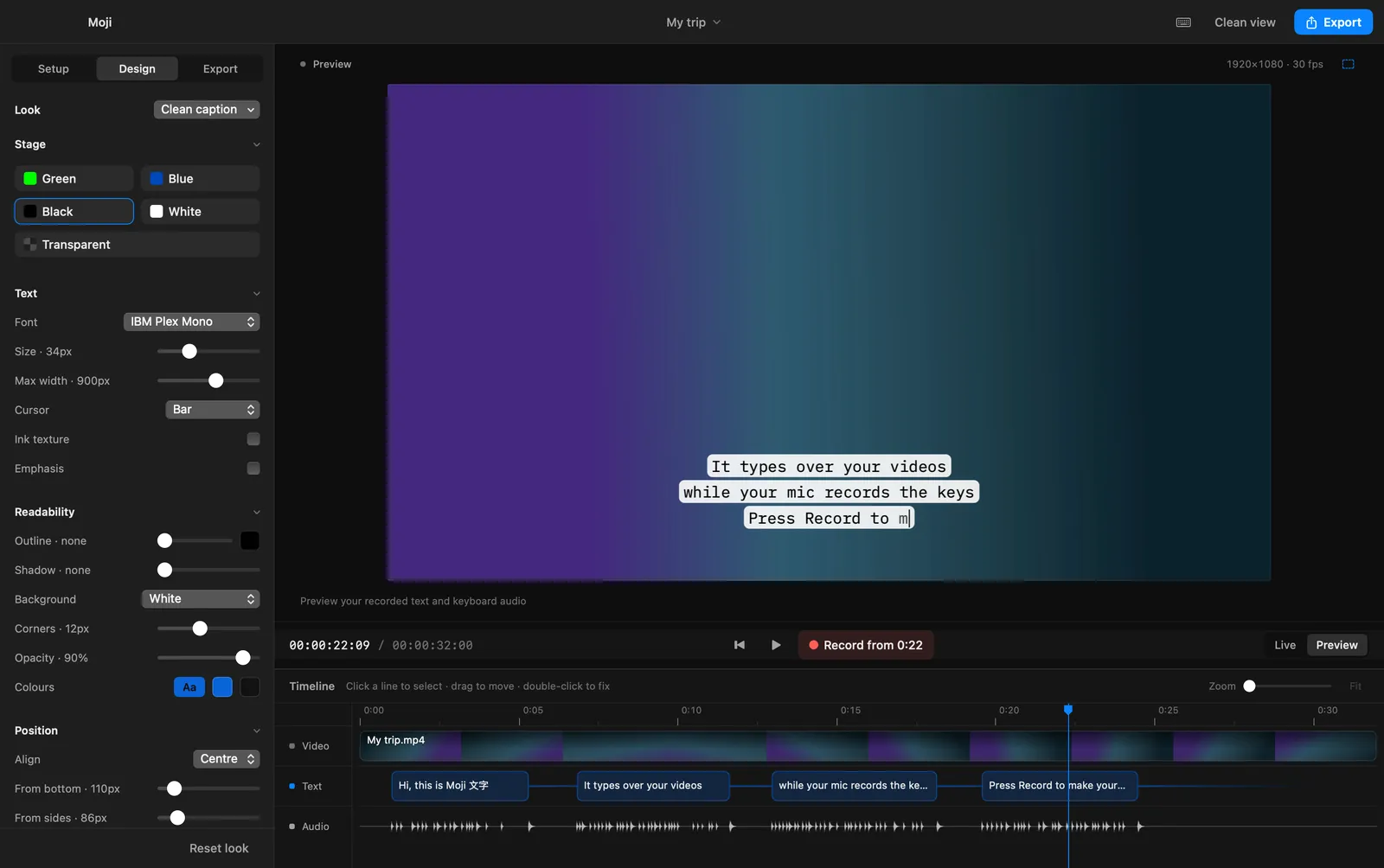
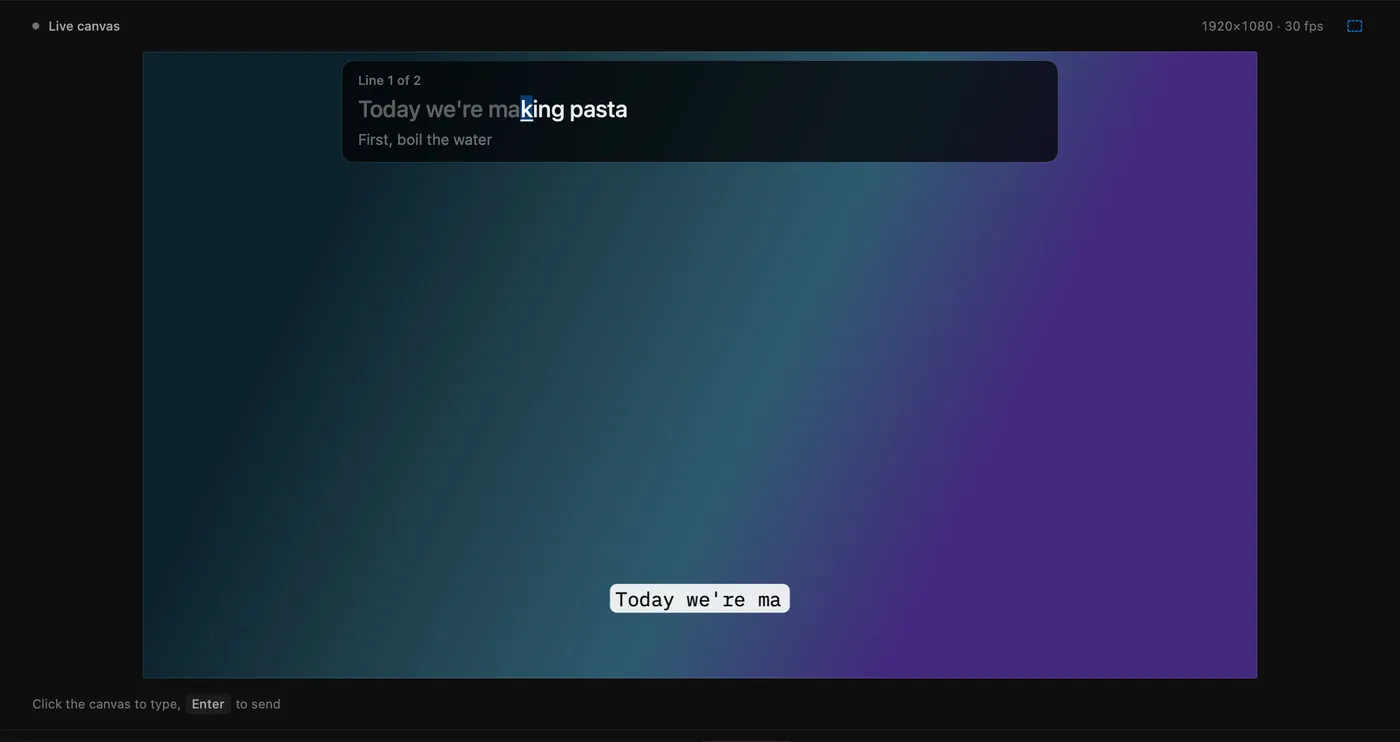
Open a video, press Record and type along while it plays. Every keystroke lands on screen and every click is recorded.
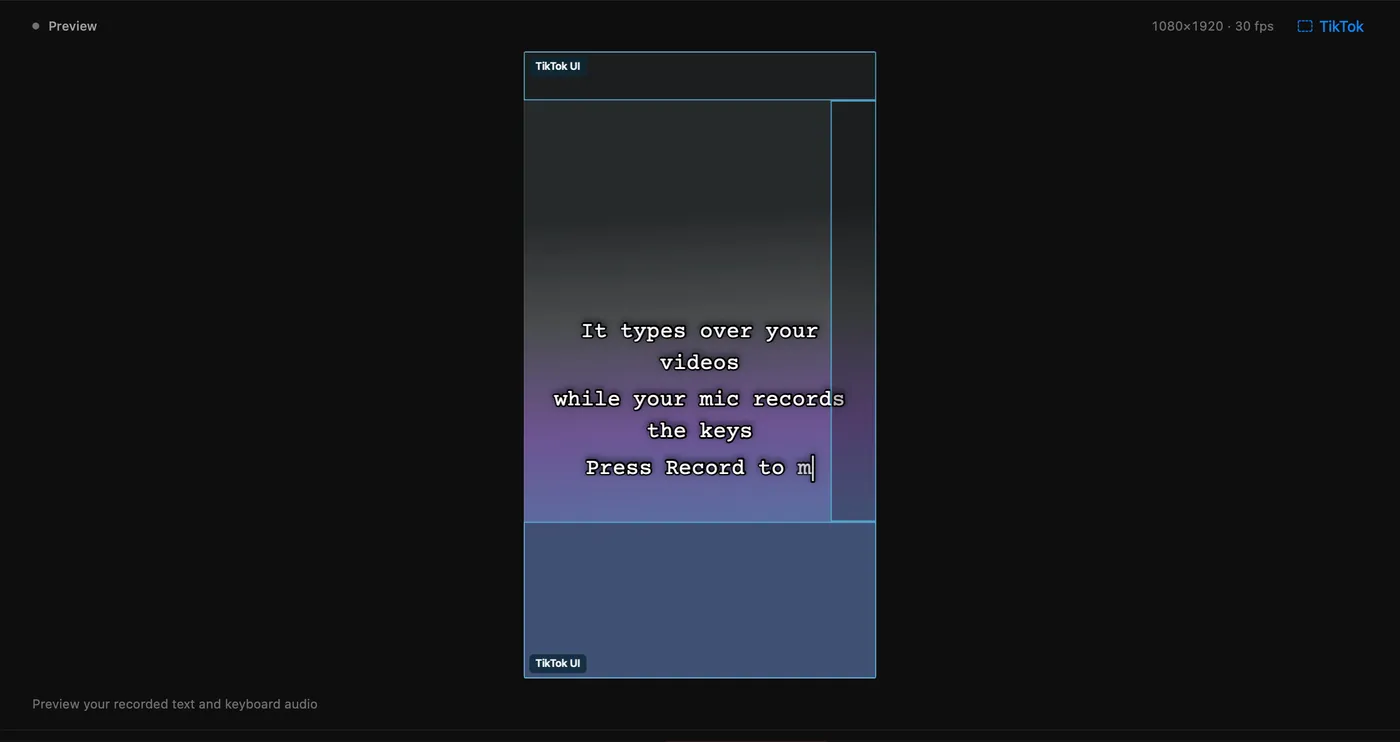
Moji types your words onto the screen like a typewriter while your microphone records the real sound of your keyboard. You get a clip with the typing and its sound in sync, ready to post or drop into your editor.
Free · Version 1.0.0 · macOS 14 Sonoma or later · Apple silicon
01
Open a video, press Record and type along while it plays. Every keystroke lands on screen and every click is recorded.
02
Typos, timing, fonts, colours and position all change after recording. Each letter keeps its own keystroke sound.
03
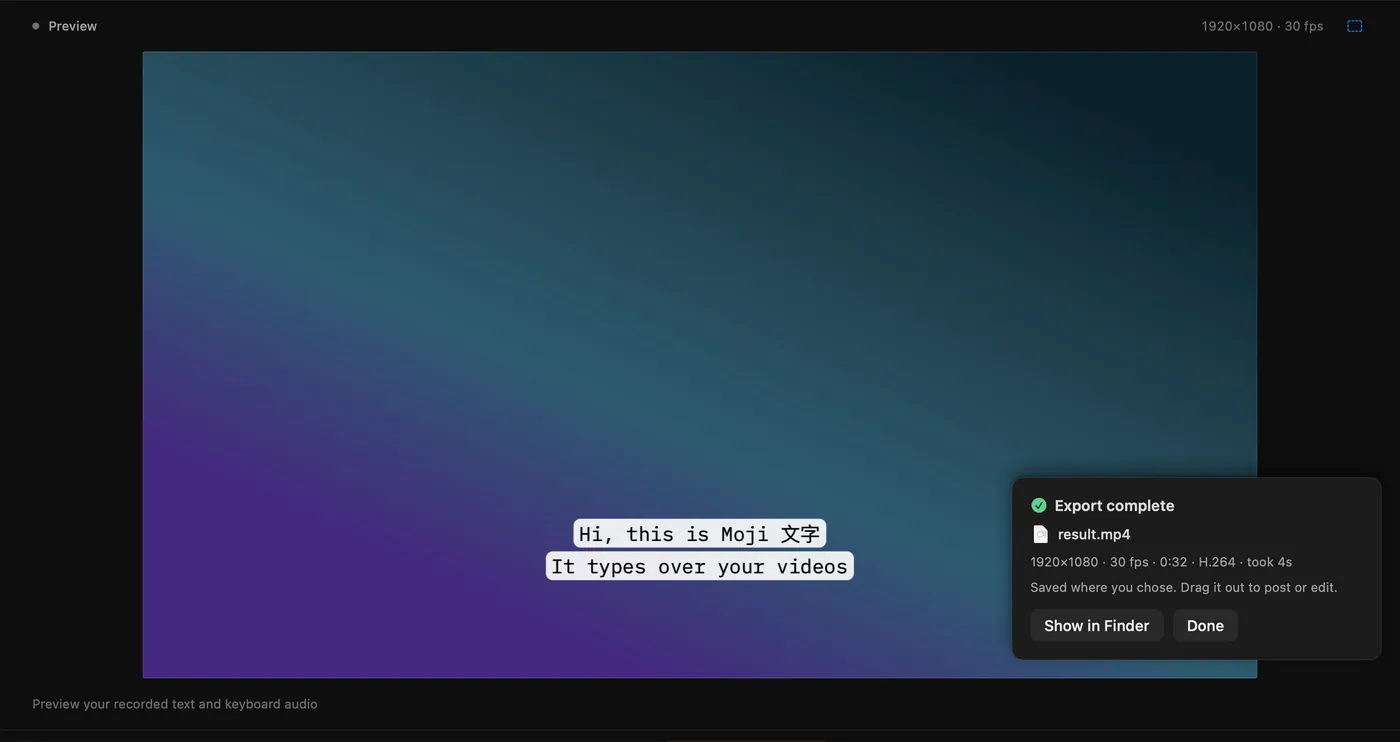
A finished MP4 with the text burned in, or a transparent or keyable overlay for Premiere, Final Cut, Resolve or CapCut.

A Swift app for the Mac, about 8 MB installed. No accounts, no watermark, nothing to unlock.